lystex

What is LYSTEX?
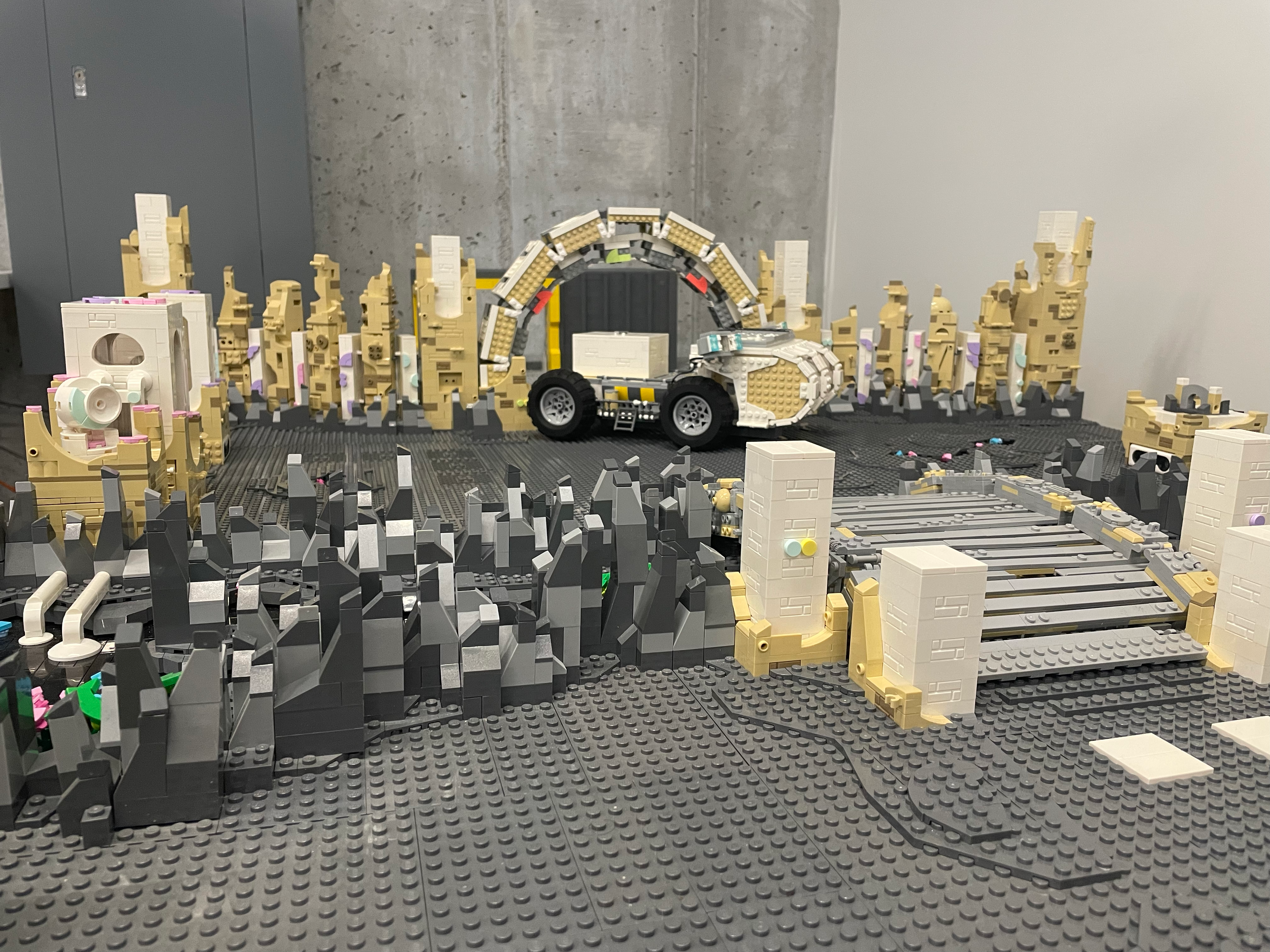
LYSTEX is a playable video game made entirely out of LEGO® bricks. Players use an Xbox controller to navigate a space rover through a series of puzzles to the bunker before the planet explodes.
Game Stack
The playable game environment is built using LEGO® bricks. The interactive elements use LEGO® Spike™ and Pybricks (a custom firmware for the LEGO® Spike™).
The LYSTEX Player App ia a companion application delivering video hints to the player as checkpoitns are completed. This app is building using vanillia HTML and JavaScript, Firebase, and GitHub Pages.
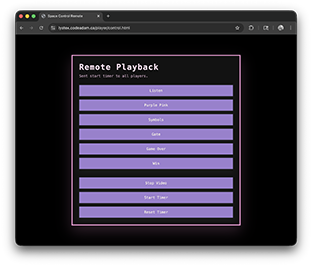
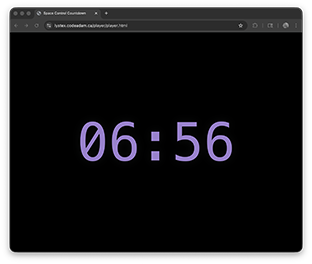
- Open both apps in separate browser windows
- Click the player app to allow audio
- In the control apop, click a video tpo play or modify the timer
Game Design
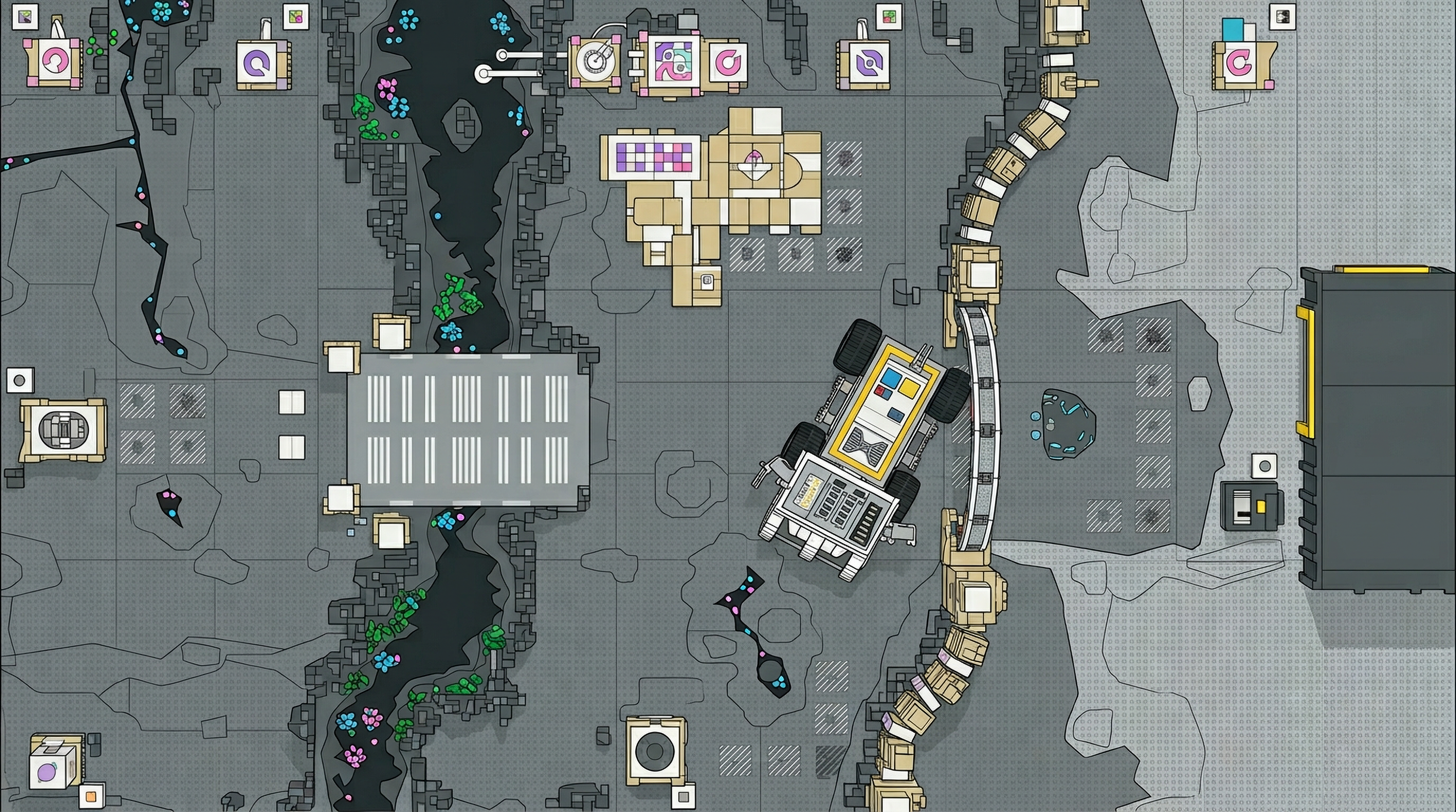
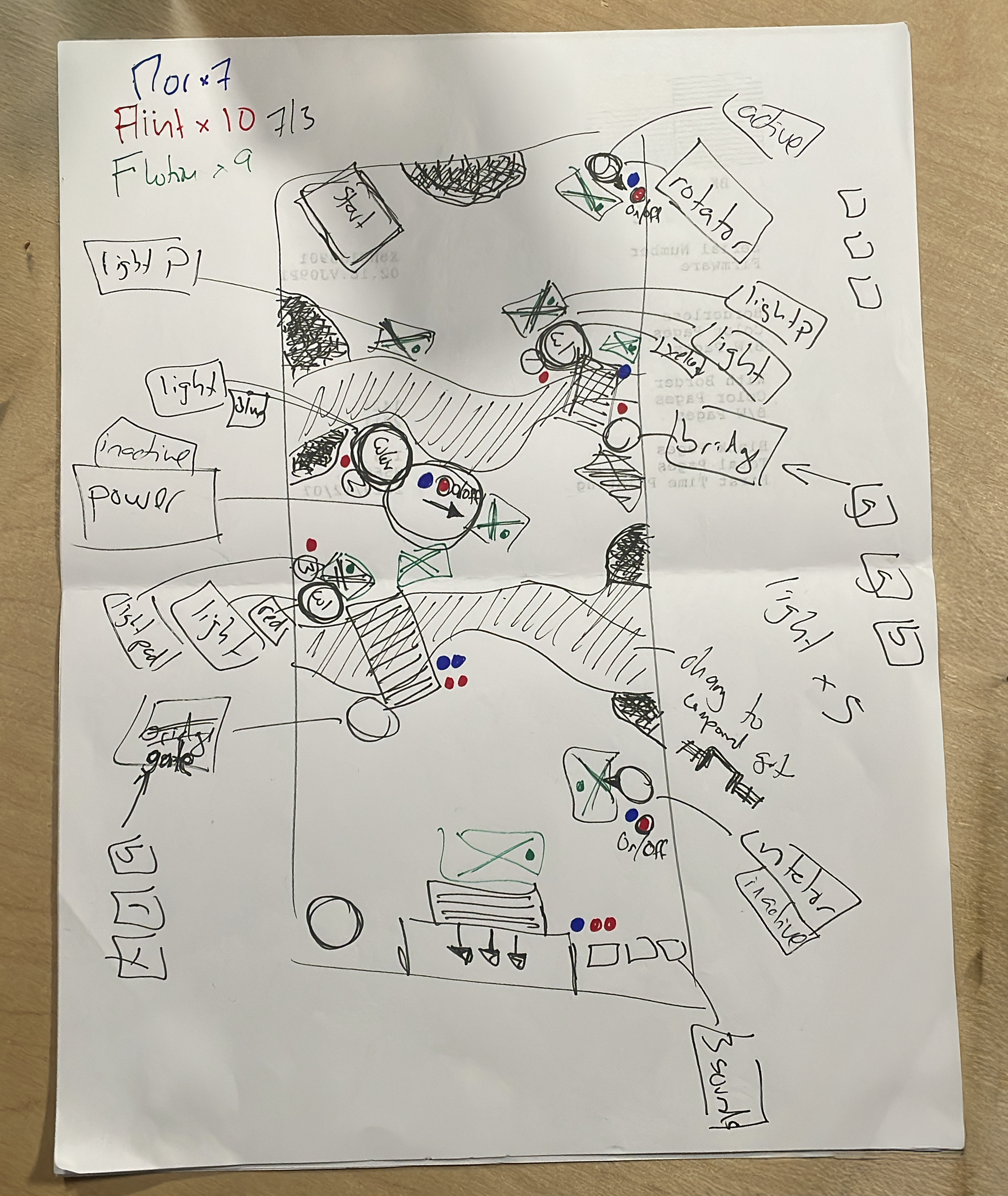
Original design drawing includes puzzles and location of key LEGO® components.
Game Setup
Follow these steps to get the game up and running:
- Plug the two USB hubs (black chords) into the wall.
- Ensure there are nine USB cables connecting the USB hubs to the nine Spike hubs mounted to the bottom of the plywood.
- Turn on the nine Spike hubs by pressing the primary button for about one second. The Spike hubs will emit a 3x3 grid when turned on.
-
Activate the code on each Spike hub by pressing the primary button again. The Spike hubs will animate a rotating square when the code is running.
If the hub returns to a 3x3 grid after activating the code, this means the code is encountering an error. Ensure all the cables are pluggin in firmly and try again. If the problem repeats, the issue will need to be diagnosed with Pybricks.
- Turn on the Essentials hub on the rover by pressing the primary button once.
- Turn on the Xbox controller, the Xbox logo will blink.
-
Activate the code on the Essentials hub by pressing the primary button again. The Xbox logo will turn to a solid light.
The code on the Essentials hub will take approximately 30 seconds to reset the escape room puzzles and the driving controls to start working.
- Begin playing!
Video Queues
If you want to use the video queues follow these steps:
- Plug a Chromebook into the wall, turn on, and login using the password polytchnic.
- Connect the speakers and adjust the volume.
- Ensure the Chromebook will not activate the sdreensaver when plugged in.
- Open a browser on the Chromebook and visit the Lystex Player.
- Click the fullscreen button, flip the keyboard so the Chromebook is in tablet mode, and place the Chrombook on top of the bunker.
- Open a browser on a second device (a laptop or cellphone) and open the Lystex Controller.
- Click a video on the second device to confirm the two devices are interacting.
Solution
To solve the escape room, follow these steps:
- First we need to use the power station to supply power to the bridge. Drive the rover to the first pink power building in the back left corner and rotate the radar to point at the bridege, the bridge structure and groud will light up. Use the left and right bumper to rotate power radar.
- Next, we need unlock the gate. Notice the blue and yellow symbol on the bridge. Drive to the first light station and
LEGO® is a trademark of the LEGO Group of companies which does not sponsor, authorize or endorse this site.
Make Contact
Reach out to request a custom interactive LEGO® experience: